MobiSkan 3.0
MobiSkan is an offline-first Android application for warehouse staff carrying CipherLab data collectors (RK25, RK26, RK95): receiving goods, issuing stock, transferring between locations, running inventory counts, completing pick lists and exchanging data with an ERP, all without depending on a network connection on the shop floor. Version 3.0 is not an incremental update. It is a ground-up rebuild of the app's internals, a full visual redesign, and a set of new operational capabilities built on top of that rebuilt foundation.
Stack and structure
- Language and platform: Android, Java, targeting CipherLab RK25/RK26/RK95 handheld scanners.
- Architecture: Clean Architecture plus MVVM with Hilt for dependency injection. Every module (domain/data/ui) keeps a strict
domainlayer with zero Android or Room imports, adatalayer with Room entities, DAOs and mappers, and auilayer of@HiltViewModeland@AndroidEntryPointactivities. - Persistence: a single Room database (
mobiskan_room.db) opened through Room's SupportFactory with SQLCipher encryption. The passphrase lives in EncryptedSharedPreferences, protected by a hardware-backed MasterKey in the Android Keystore. - Scanning: ZXing plus CipherLab's own scanner SDK, extended with a custom weighted-barcode parser and a beta on-device OCR reader for labels a 1D/2D scan can't capture.
- Licensing: offline ECDSA P-256 signature verification, license blobs signed with a private key that is never shipped in the APK, bound to a per-device fingerprint.
- Testing: JUnit and Mockito for the domain layer, Espresso and UIAutomator for instrumented UI tests, coverage measured with JaCoCo excluding generated Hilt/Room/BuildConfig code.
How it's built
Every use case returns a UseCaseResult<T> (success(T) or failure(UseCaseError)) instead of throwing, and every insert, update or delete result exposed to the UI is wrapped in a one-shot Event<T> so LiveData's sticky replay semantics can't fire a Toast or navigation action twice after a configuration change. The same pattern is applied across all eight document and reference-data modules (Goods Receipt, Goods Issue, Internal Transfer, Internal Issue, Internal Return, Inventory Count, Order Picking, and locations/business partners/currencies/units), which is what made the ninth module, Order Picking, take a fraction of the effort the eighth one did.
ERP integration is built behind a generic ErpConnector interface (health check, catalog fetch, catalog stream), with a concrete implementation for Subiekt GT. Pairing is a one-time QR scan or host/port entry that issues a device token and schedules a read-only catalog pull. At the barcode-scanning call site, a single ProductLookup interface has two implementations, one against the synced ERP catalog and one against the app's own Goods Base, and the app switches between them based on whether pairing exists rather than on live network reachability, so no calling code anywhere carries an if (paired) branch.
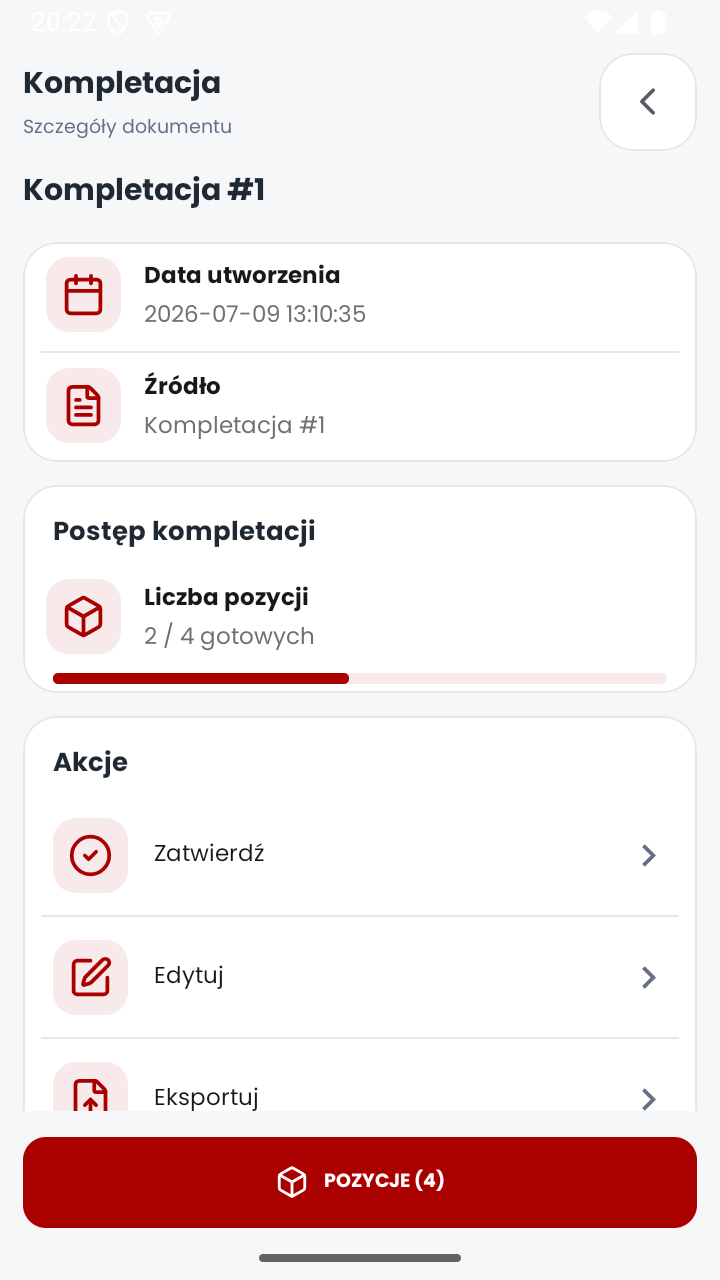
Version 3.0 adds a set of features with no 2.0 equivalent: Order Picking with PENDING/PARTIAL/DONE/OVER/EXTRA line statuses and CSV import/export, automatic product enrichment against Open Food Facts through a swappable ProductDataSource interface, beta OCR label reading with multi-frame consensus and barcode check-digit repair, Bluetooth label printing (a LabelRenderer/PrinterConnector pair rendering ZPL with configurable fields, label size and DPI), a unit-tested weighted/scale barcode parser wired transparently into every scanning module, AES-256-GCM encrypted portable backups of the database and its file assets, and audit logging of sign-in and create/update/delete/close/reopen/adjust actions through a single injected AuditLogger with a configurable retention window.
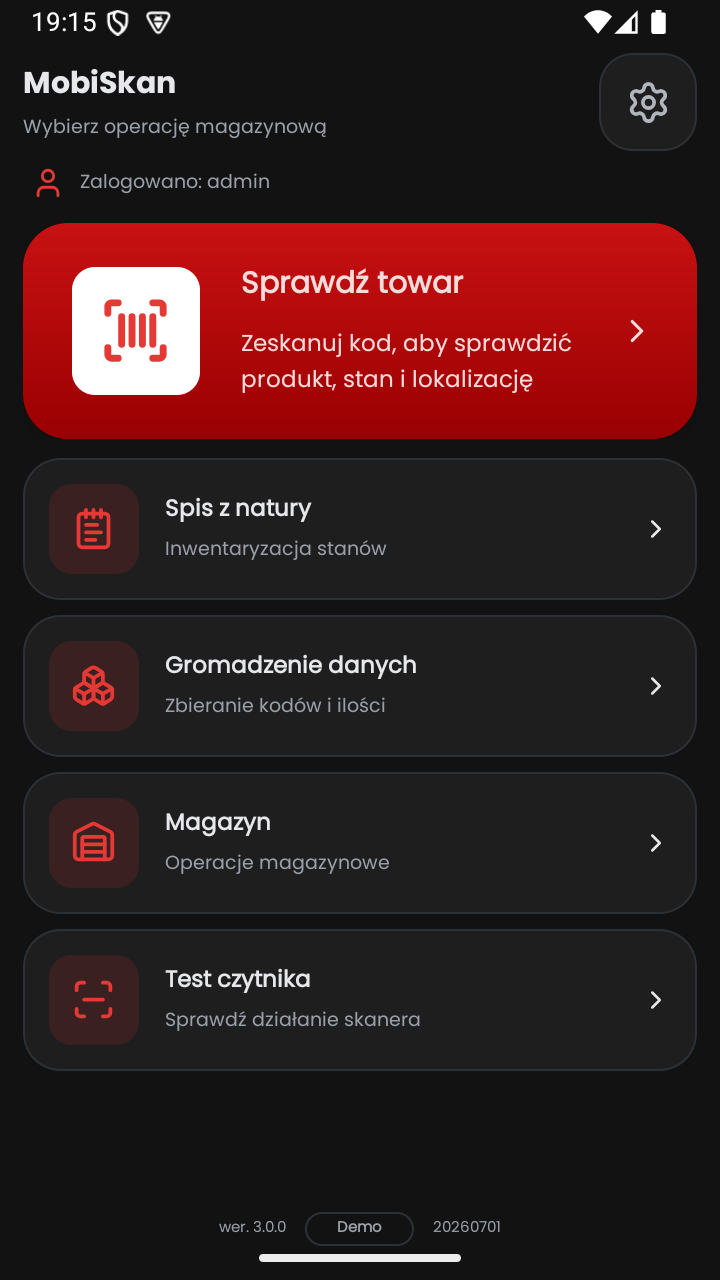
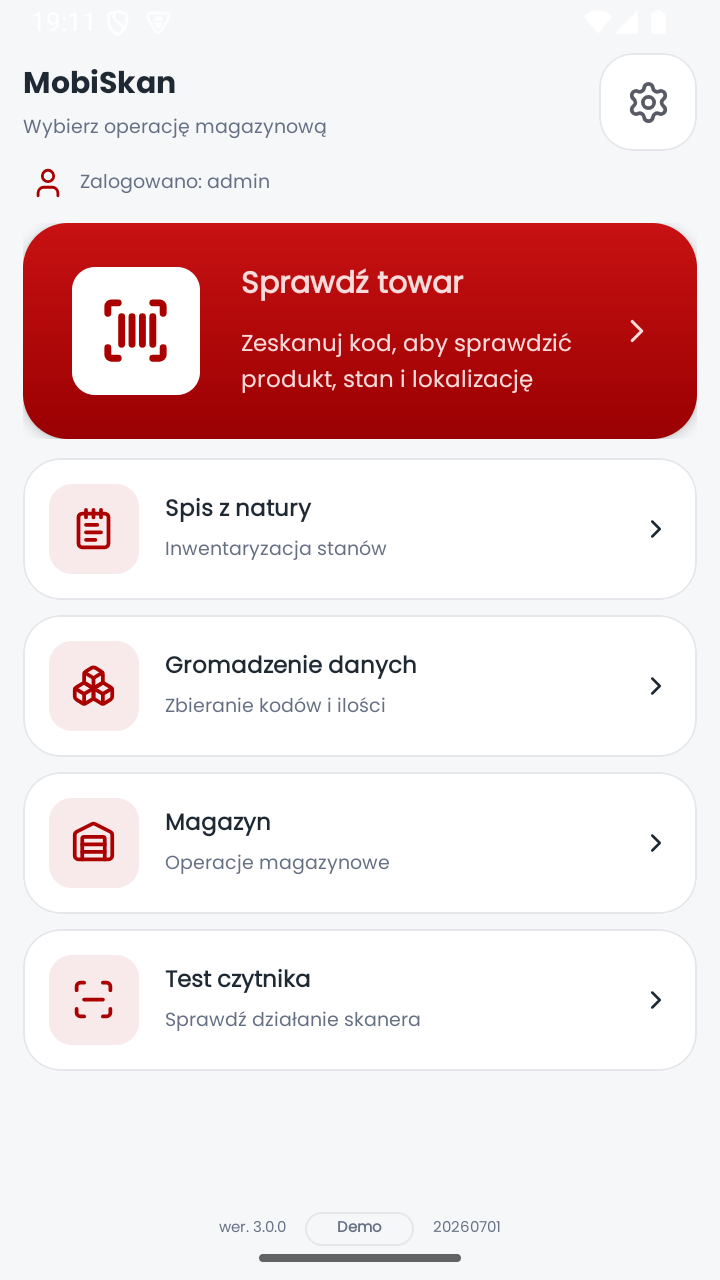
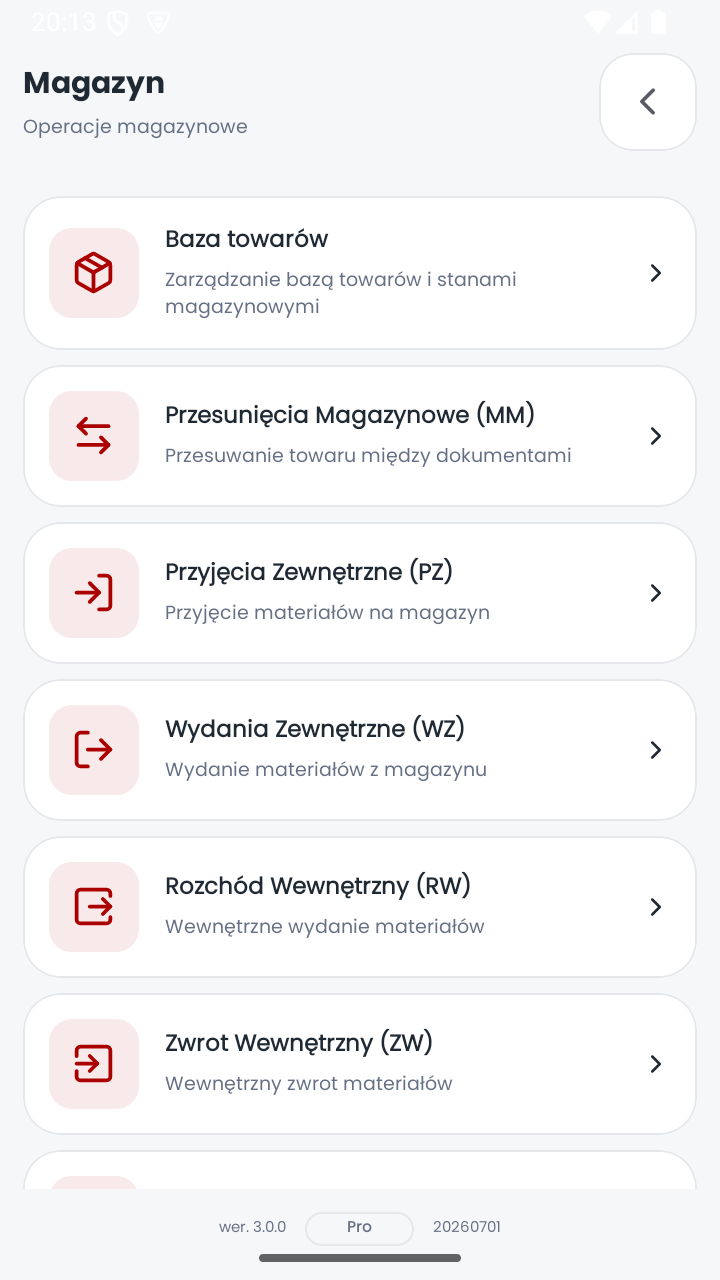
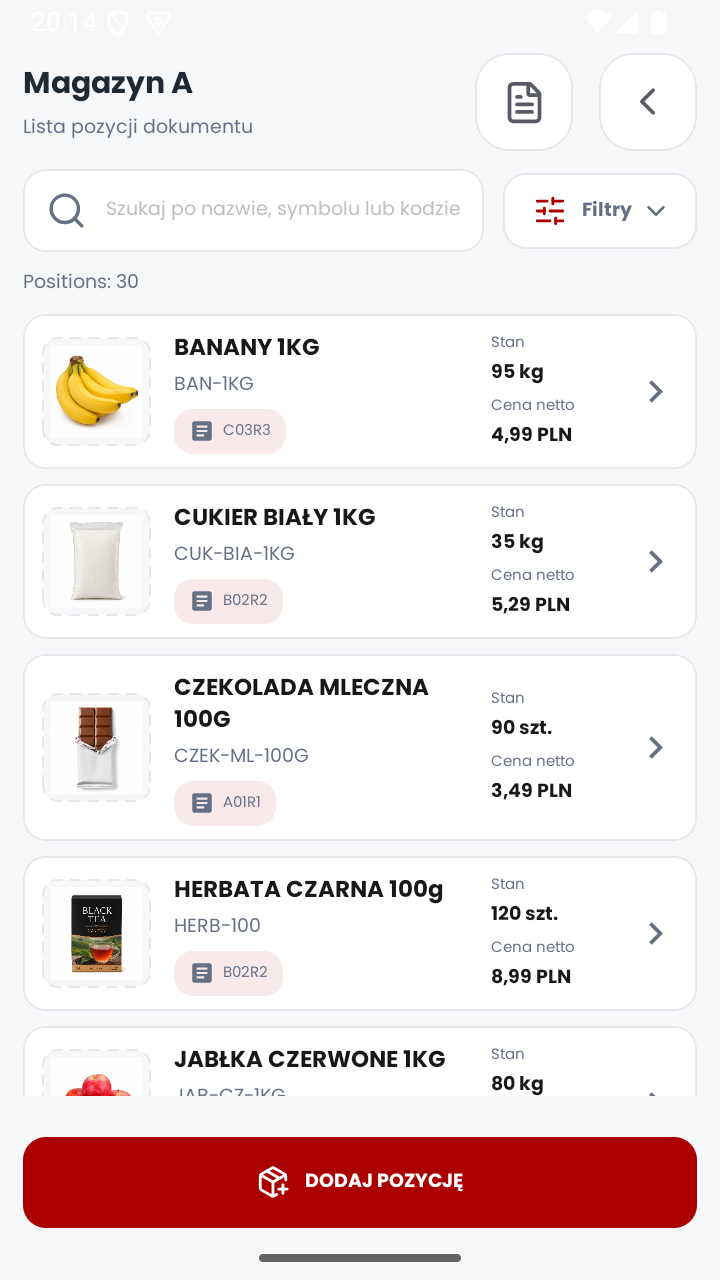
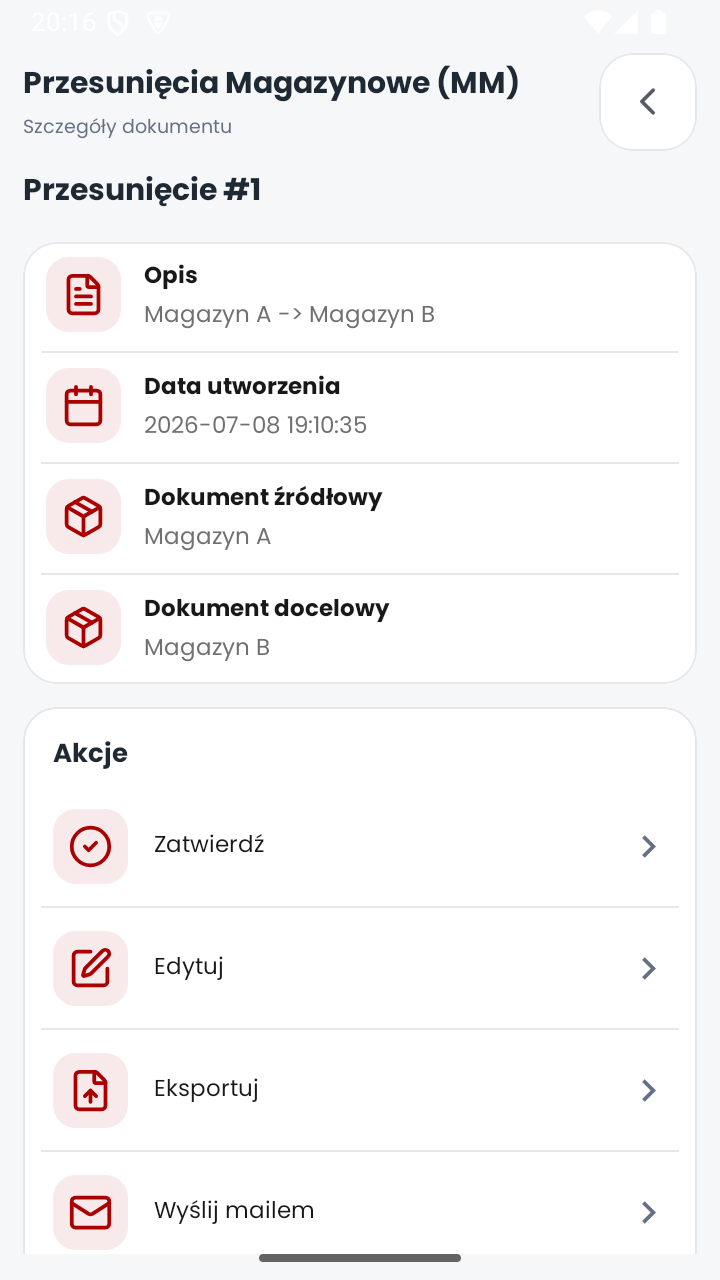
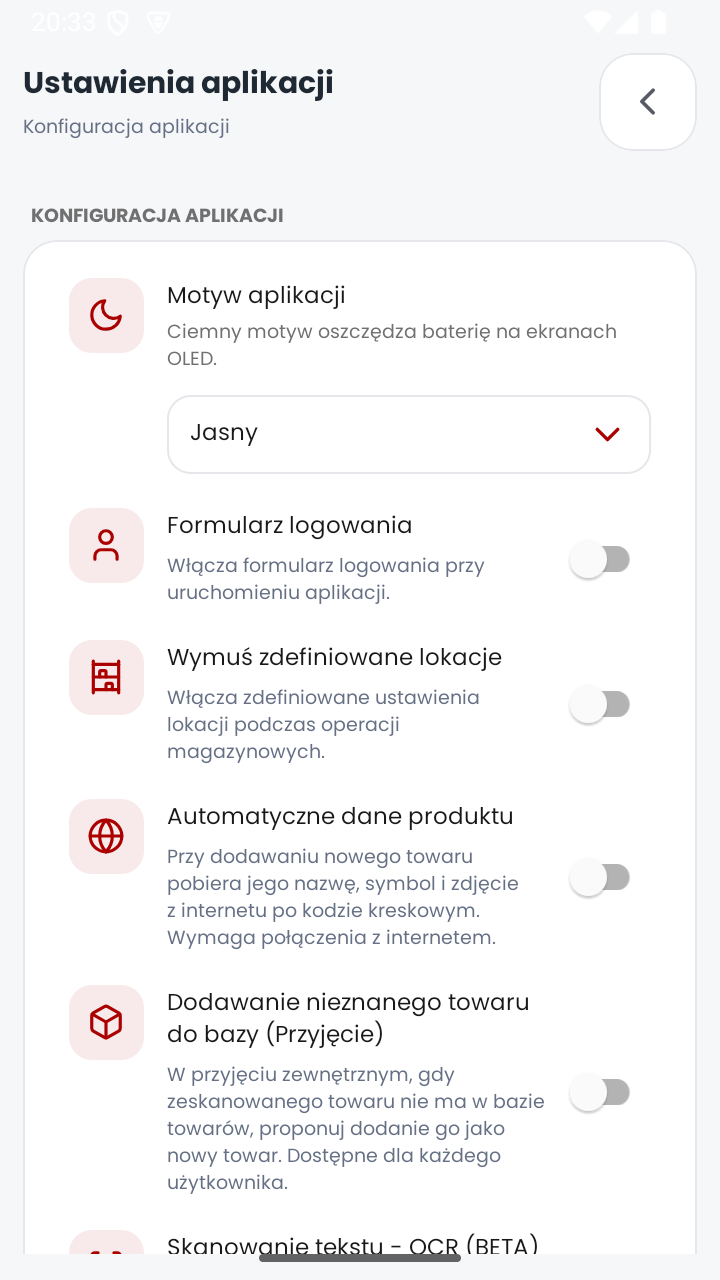
The redesign is a small set of custom, attribute-configurable views under core/ui/view that every screen composes from, so a visual change made once (a corner radius, a ripple color, a card style) propagates everywhere instead of being copied per screen. Every clickable element gets consistent Material ripple feedback, every screen follows the same header/content/footer skeleton, and every list, form field and dropdown is one of a fixed set of custom components (CustomEditTextView, CustomSpinnerView, CustomActionEditTextView, DocumentListRow) rather than a raw platform widget, with a full dark theme alongside the default light one.